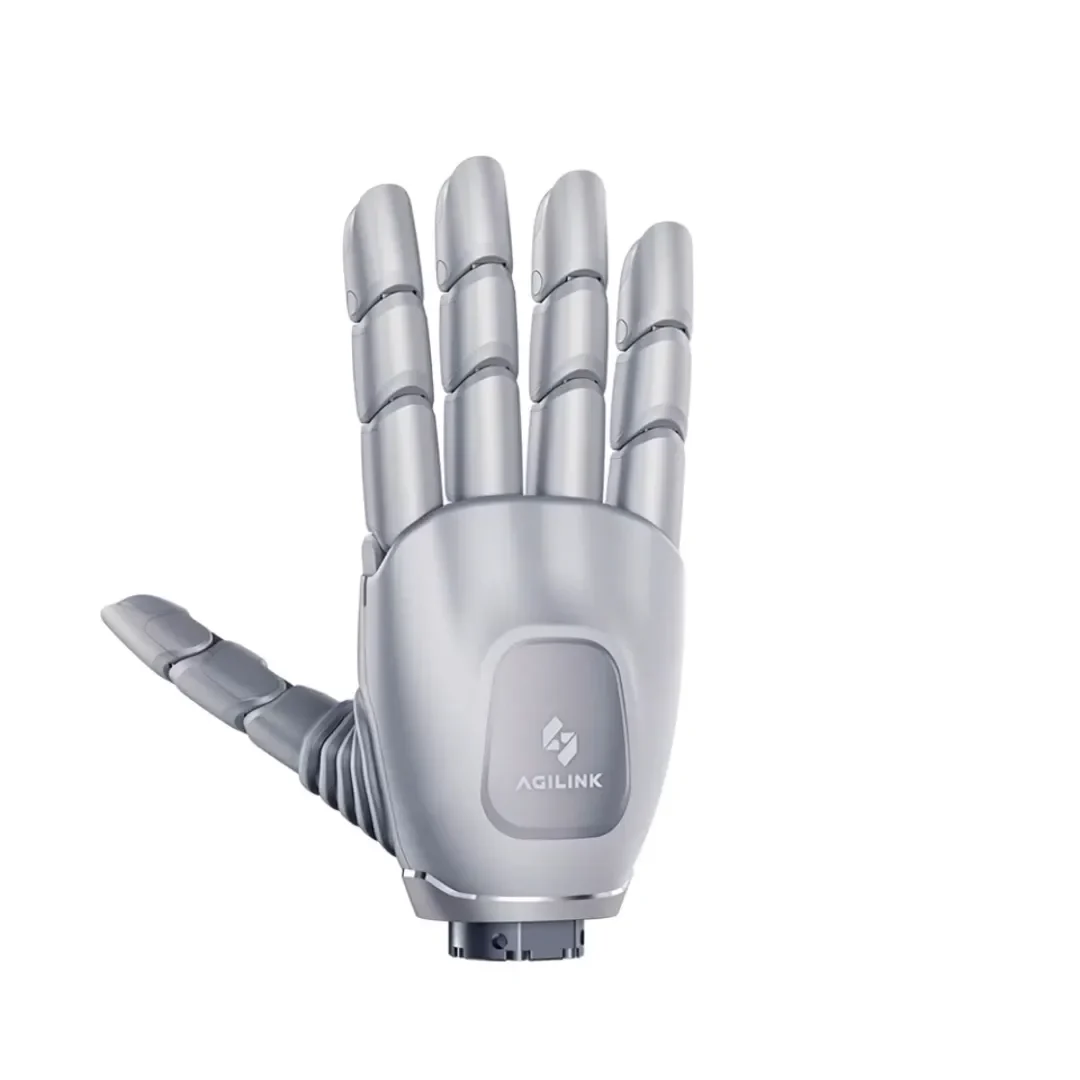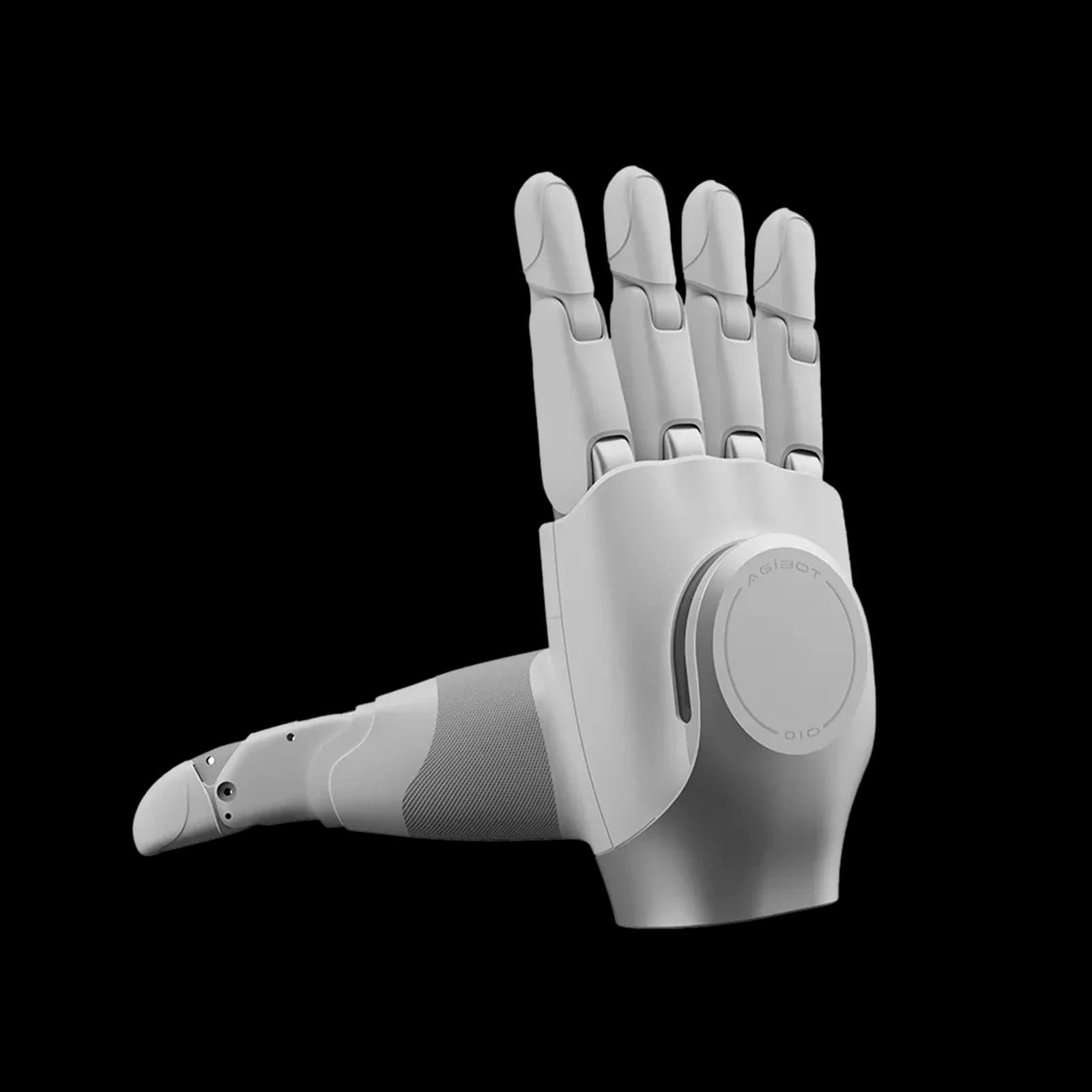

OmniHand
Start a hand-integration review from a dedicated supplier product view. Resolve the OmniHand generation before comparing numeric specifications.
- Dedicated supplier product view: identify the reference being discussed in the quote
- Official documentation contains an OmniHand 2025 column: use it to resolve generation mapping before assigning specifications
For US delivery inquiries, include your state and intended use. We confirm configuration, pricing, availability and lawful supply before sending your quote or invoice.
A closer look.
Published specifications describe the cited manufacturer configuration. Your supplied configuration is confirmed in your quote.
Specifications for this exact accessory configuration are available through a direct review. Tell us your robot model and integration requirements.
Configuration and reference notes
Official page navigation names OmniHand 3 but the technical table names OmniHand 2025. Supplier generation equivalence is pending, so numeric 2025 specifications are withheld. Confirm revision, handedness, adapter and electrical/software configuration; hybrid force-control grip tests are not general payload ratings.
Manufacturer reference tables.
Open the original parameter tables to compare documented versions. Source rows, units and conditions are retained; different versions are not merged into a promised configuration.
These are manufacturer references, not confirmation of your delivered hardware, warranty, field performance or event suitability. Final configuration and terms are agreed in your quote.
Full configuration specifications need review.
A complete parameter table for this exact supplied configuration has not been verified. We will confirm the model, revision and compatibility with you before quoting; related-model figures are not substituted.
Supplier generation is not resolved against OmniHand 2025/OmniHand 3; no numeric table assigned.
From the right configuration to a clear quote.
Tell us your model, intended use and timeline. We review the accessories and delivery requirements with you, then send a quote or invoice for the agreed configuration.
Start an inquiry- Share your requirements
Model, intended use and timeline.
- Review the configuration
Accessories, compatibility and delivery.
- Receive your quote
Agreed scope before a quote or invoice.