Plan a robot activation, from brief to show day
Start with the change you want guests to experience, then shape the robot moment around the venue and the people who will operate it. A useful plan is a short chain of decisions: audience outcome, event brief, site conditions, show-day roles, and evidence of what happened. Treat the outline below as a working method, not a guarantee that a particular robot or format will fit.
Start with the audience outcome
Name one thing a guest should be able to do, understand, or remember after the activation. “See a robot” describes an activity. “Understand one way robots are being used in our industry” describes a possible outcome. “Feel welcome asking a technical question” describes an experience to design for. Pick an outcome that fits the event’s purpose and audience rather than promising a reaction you cannot control.
Then make the moment observable. Could a guest ask a question, watch a short demonstration, try a guided interaction, or compare a robot capability with a human task? Decide what participation means and how someone can watch from farther away.
The CDC describes mass gatherings in relation to whether an event strains local resources. That is a public-health planning lens, not evidence that every robot activation qualifies as a mass gathering. It is still useful to ask how attendance, density, exits, and event context affect your plan. CDC Yellow Book guidance
Turn the idea into a brief
Write a one-page brief with the audience, intended outcome, interaction, duration, location, and owner for each decision. Include the exact robot model and configuration only after they are confirmed. “A robot greets guests” is not enough: specify where it begins, whether it moves, who cues it, what guests are invited to do, and what the team will offer if the planned interaction is unavailable.
List known constraints such as audience needs, schedule, venue rules, and photography expectations; label unknowns as questions. “Can the route avoid the main entrance?” is more actionable than assuming the site has a suitable path.
Identify who approves the brief and who has authority on the day. The robot operator, event producer, venue representative, and audience-facing staff may have different responsibilities. The brief should say who can pause the demonstration, who communicates with guests, and who coordinates with the venue if conditions change. FEMA’s IS-15.B course covers special-event planning, hazard analysis, and incident response for public-safety agencies; use it as a planning reference, not as an endorsement or certification of this activation. FEMA IS-15.B course overview
Work backward from the venue
Ask the venue for a walkthrough while the event layout is still adjustable. Trace the route from load-in to operating position, then look at the room from guest, operator, and venue-staff perspectives. Note access, surfaces, sound, storage, power, and queue locations; assign questions to the venue or qualified technical staff.
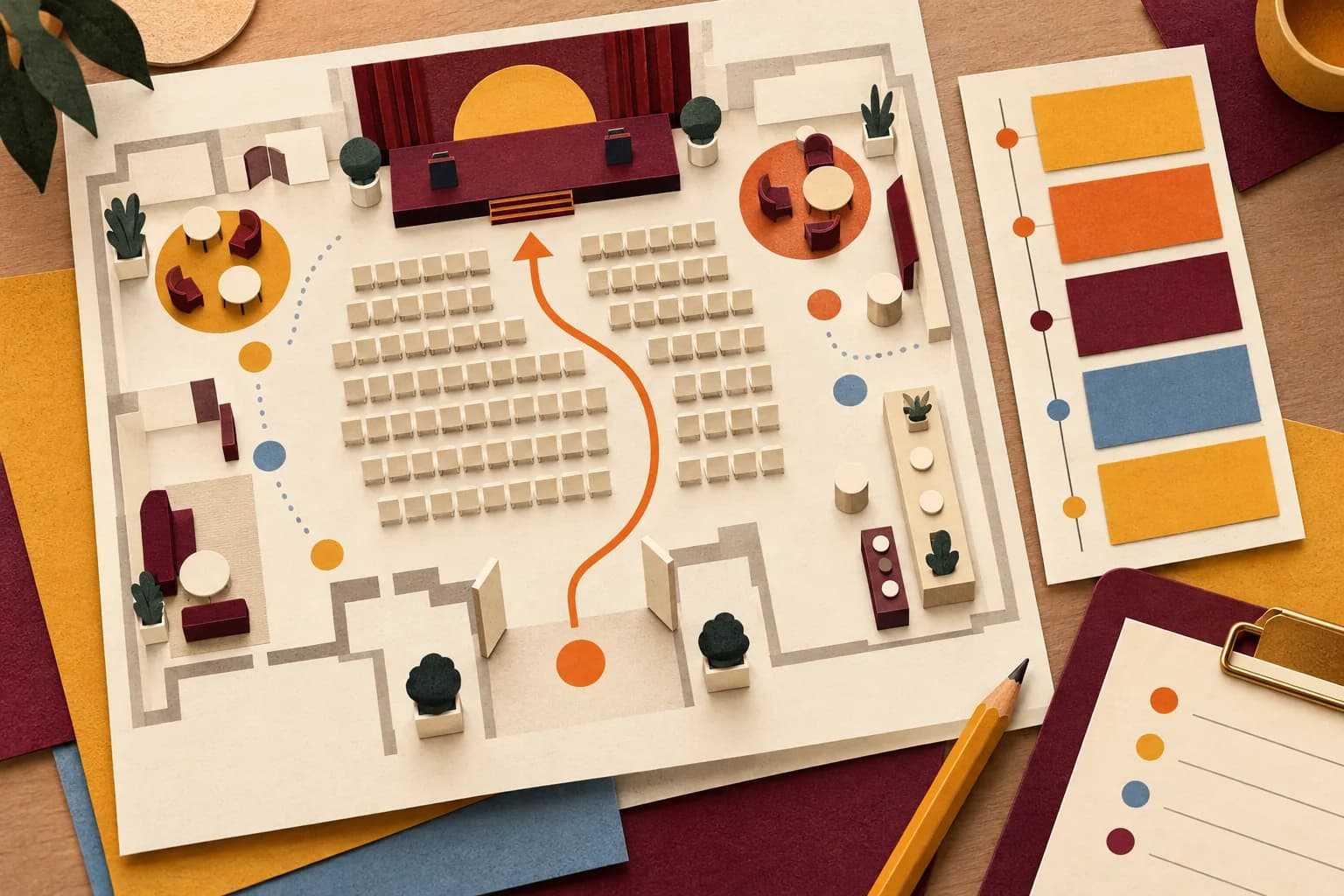
Draw a simple plan showing the robot’s operating area, guest viewing area, accessible routes, exits, cable paths, staff positions, and a place to pause or reset. Use the exact model’s current instructions to confirm its operating conditions. Manufacturer material for the Unitree G1 and Boston Dynamics Spot is model-specific; it cannot establish requirements for another robot, software version, or configuration. Unitree G1 resources and Spot safety and operations manuals
Include a fallback that preserves the audience outcome without requiring robot motion. It might be a stationary explanation, a video, a staff-led demonstration of a component, or a clear reschedule decision. Choose one that the venue can support and the event team can deliver without improvising around a changed condition.
Make show day easy to operate
Create a run-of-show with the arrival window, site check, rehearsal, guest opening, demonstration cues, reset, and close. This is our suggested template, not an official standard. Give every cue an owner and a plain-language action. “At the producer’s cue, the operator starts the approved sequence” is easier to follow than “robot segment.” Leave room for the venue’s schedule and current model instructions.
At the briefing, review the route, operating boundary, audience invitation, communications method, pause conditions, and fallback. Ask each role to repeat its part. Agree how a guest or staff member can raise a concern, and who tells the audience that the activity is paused. Rehearse the transition from normal operation to a pause and back to the approved state; do not invent a restart procedure that conflicts with the manufacturer’s instructions.
Measure what mattered
Choose a few observations tied to the outcome. A tally can report demonstrations; a short question may check whether guests understood the explanation. Neither alone proves preference, sales, or brand lift. Record the date, location, method, and who could respond, then report what the result can and cannot say. Collect only information needed for the stated purpose.
Method and limits
This field guide turns public planning references into a suggested workflow for event teams. It does not prescribe a particular robot, prove that an activation is suitable for a site, or replace venue, accessibility, electrical, emergency-planning, or model-specific review. The guide and its checklists do not certify legal, accessibility, or safety compliance and do not predict audience outcomes.
Sources
- CDC Yellow Book, “Mass Gatherings”: https://www.cdc.gov/yellow-book/hcp/travel-for-work-other/mass-gatherings.html
- FEMA, “Special Events Contingency Planning for Public Safety Agencies | IS-15.B”: https://training.fema.gov/programs/independent-study/courseoverview.aspx?code=is-15.b&lang=en
- Unitree Robotics, “Unitree Explore APP Download” (G1 manual section): https://www.unitree.com/app/g1/
- Boston Dynamics Support Center, “Spot safety and operations manuals”: https://support.bostondynamics.com/s/article/spot-safety-and-operations-manuals