
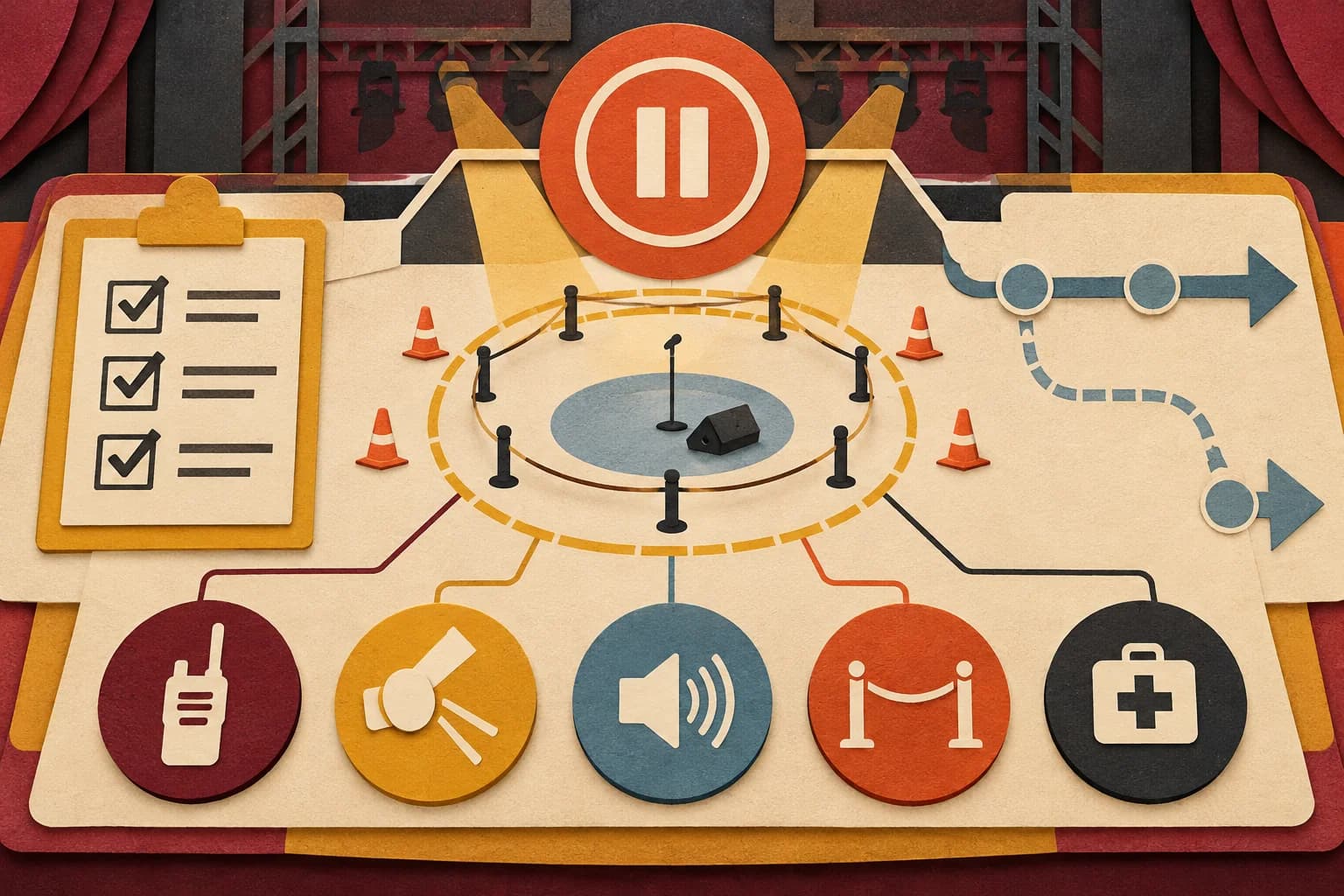
Safety and show control for a live robot demonstration
Make one accountable person responsible for operating the robot and for deciding when to pause it. Then agree on plain-language pause conditions, communication cues, and the venue’s role before guests arrive. A checklist can help the team have that conversation, but safe operation depends on the exact robot, software, site, people, and instructions in use.
Make one person accountable for operation
Name the qualified operator for each demonstration period. That person should know the current model instructions, approved sequence, controls, and site plan. Identify a backup only if that person is trained and authorized for the same setup. The event producer coordinates the schedule; the venue contact coordinates site decisions; audience-facing staff guide guests. These jobs may overlap in a small team, but the operator’s responsibility must remain clear.
Agree who may call a pause. Anyone should be able to report a concern, while the designated operator controls the robot according to its instructions. Decide how the operator will hear a call, how they will confirm it, and who tells guests the activity is paused. Avoid commands like “fix it” or “keep going” that do not identify an action or decision owner.
Manufacturer documentation illustrates why this is model-specific. Unitree’s G1 manual page and Boston Dynamics’ Spot safety and operating manuals apply to those systems and their stated configurations. Read the current instructions for the actual robot on site. Unitree G1 manuals · Spot safety and operations manuals
Define pause conditions in plain language
Write conditions the team can recognize. Examples for discussion include: a guest enters the planned operating area; the operator loses a clear view; an object appears on the route; a required cue or connection is lost; the venue changes the layout; or a guest or staff member reports a concern. These are prompts, not a universal safety rule. The operator and venue must adapt them to the robot and site.
For each condition, state the first action, who is notified, and what must be true before any restart. Use the manufacturer’s prescribed stop and recovery steps; do not improvise controls, power cycles, or movement around an issue. Boston Dynamics describes obstacle detection and avoidance for Spot specifically. That explanation is not evidence that other robots will detect, avoid, or stop for the same objects. How Spot avoids obstacles
Make the audience message short: “The demonstration is paused while our operator checks the area. Please stay with the event team.” Do not promise a restart time before the operator and producer confirm it. If the planned conditions cannot be restored, use the agreed fallback or end the segment.
Walk through common changes
Rehearse more than the ideal sequence. Ask what happens if the demonstration starts late, a guest approaches from an unexpected direction, a route is blocked, the room becomes noisier, or the planned cue is missed. For each case, test the communication path and identify who decides whether to wait, change to the fallback, or stop.
Keep the rehearsal small and specific. The operator can demonstrate the approved start, pause, and close actions without an audience present. Staff can practice where to stand, how to keep the intended guest route open, and how to give the agreed message. Rehearsal should not include unapproved movement or experiments around guests. Record unresolved questions and send them to the responsible operator, supplier, or venue representative.
Coordinate with venue response plans
Ask the venue contact how a demonstration pause fits into its event communications and emergency procedures. Confirm who contacts venue operations, security, or emergency services under the venue’s plan. Keep exits, response routes, and staff communications available. Do not invent a separate incident process that conflicts with the site’s established response structure.
FEMA’s IS-15.B course overview describes pre-event planning, hazard analysis, and response to incidents during special events for public-safety agencies. It is a useful planning reference, not a robot safety standard or a certification for an event team. FEMA IS-15.B
Place the venue’s contact method, operator contact, and pause message in the briefing document. Keep personal or emergency information available only to the people who need it. If an incident or near miss occurs, follow the venue’s reporting process and the robot provider’s instructions; do not treat a successful restart as a substitute for documentation.
Close the loop after rehearsal
End the rehearsal with a short verbal check: the operator explains the approved sequence and stop conditions; audience-facing staff explain their positions and guest message; the producer confirms the schedule and fallback; and the venue contact confirms the site route and escalation path. Resolve contradictions before opening. If a critical item remains unknown, narrow or cancel the planned activity until the responsible people review it.
Recheck after any change to the robot, software, route, room, staffing, or schedule. Record who approved the change and when. A new operator should receive the same briefing and review the current instructions rather than inheriting assumptions from someone else’s rehearsal.
Method and limits
These are show-control prompts, not operating instructions for a particular robot. Follow the current manufacturer manual and venue response plan, and involve qualified personnel for site-specific decisions. The article and checklist do not certify legal, accessibility, or safety compliance, guarantee robot behavior, or predict event outcomes.
Sources
- FEMA, “Special Events Contingency Planning for Public Safety Agencies | IS-15.B”: https://training.fema.gov/programs/independent-study/courseoverview.aspx?code=is-15.b&lang=en
- Unitree Robotics, “Unitree Explore APP Download” (G1 manual section): https://www.unitree.com/app/g1/
- Boston Dynamics Support Center, “Spot safety and operations manuals”: https://support.bostondynamics.com/s/article/spot-safety-and-operations-manuals
- Boston Dynamics Support Center, “How Spot avoids obstacles”: https://support.bostondynamics.com/s/article/how-spot-avoids-obstacles