Staffing, sightlines, and audience flow around a robot demo
Design the guest journey first, then assign people to the moments where their presence helps the experience stay clear and orderly. There is no universal staffing count for a robot activation: the needed roles depend on the layout, audience, venue plan, robot, and activity. Give each role a defined area, a communication path, and a clear handoff.
Map the audience journey
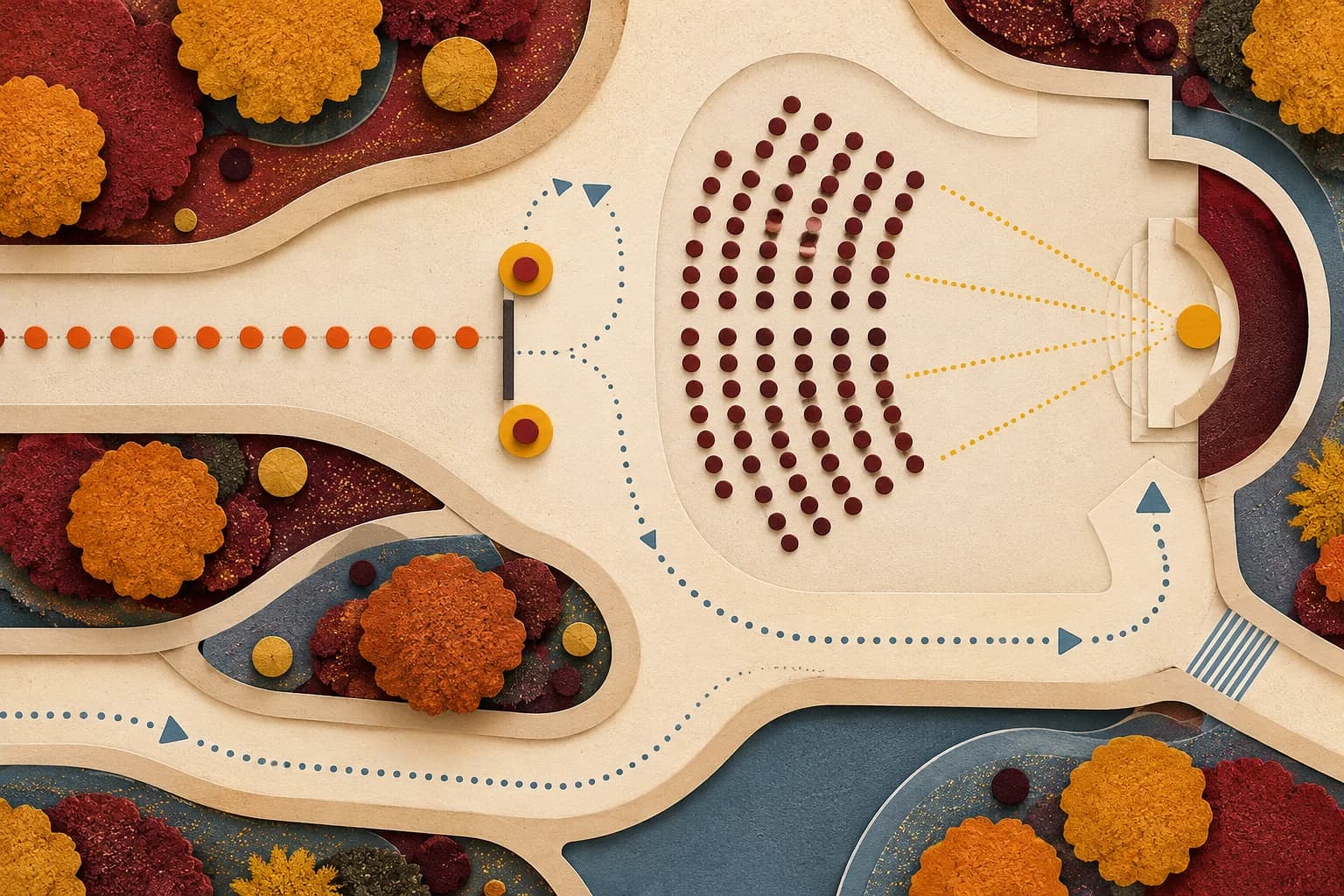
Sketch how guests discover the activation, approach it, decide whether to watch or participate, leave, and rejoin the wider event. Mark the points where people might stop, ask a question, wait for a turn, or take a photo. Include a path for guests who do not want to approach and a route that remains available to people using mobility devices or moving with companions.
Consider how the journey changes over time. A short scheduled demonstration may draw a brief audience peak; an open interaction can create an uneven queue. Either way, plan where people can wait without spilling into a doorway, neighboring exhibit, service route, or the robot’s planned operating area. The CDC discusses crowd density and exits as part of mass-gathering planning; use that as a prompt to review your specific event conditions, not as a claim that every activation is a mass gathering. CDC Yellow Book, Mass Gatherings
Assign useful roles
Define the responsibilities before deciding how many people need to fill them. The robot operator manages the machine under its current instructions. A guest host explains the activity and invites participation. A flow lead watches the queue and keeps routes clear. A producer coordinates timing and venue communication. Depending on the format, one trained person may cover more than one task, or the site may require separate staff. Confirm that any combined role still leaves the operator able to focus on operation.
Write each assignment as an action and boundary: “Welcome guests and explain the viewing option”; “watch the entrance to the marked area and call a pause if it is entered”; “tell the producer when the queue reaches the agreed holding point.” Avoid vague roles such as “help with safety.” Give staff a communication method and identify who has authority to change the layout or end the segment.
OSHA’s crowd-management fact sheet is written for retailers planning large shopping events. It recommends advance planning and staffing based on crowd and site needs, but it does not establish a staffing ratio for robot activations or other event formats. Use it as a context-bound planning reference, then work with the venue on the actual plan. OSHA Crowd Management Safety Guidelines for Retailers
Protect sightlines and routes
Stand in the intended guest positions and check whether people can see the demonstration, hear or read the explanation, and understand where they may stand. Check from seated and standing viewpoints. Keep the operator’s view of the robot and operating area clear. Place signs, screens, cameras, and furniture so they do not block access routes or create an unplanned bottleneck.
Where a queue is needed, draw its entry, holding point, and exit. Keep it from crossing the demonstration route or covering emergency and accessible paths. Agree on a threshold that triggers a change—such as pausing entry or switching to timed groups—and name the person who communicates that decision. The ADA Standards include assembly-area provisions relevant to sightlines in covered settings; applicability and layout decisions should be reviewed for the venue and event rather than inferred from this checklist. 2010 ADA Standards for Accessible Design
Plan the queue and reset
Decide whether guests join a line, gather for a short talk, or visit an open station. Give people an estimate of what happens next without promising a wait time the team cannot manage. Provide a visible way to join or leave, and a simple explanation of whether touching, photographing, or speaking to the robot is part of the activity. Keep the invitation optional.
Plan a reset between interactions. Identify who clears the immediate area, who checks with the operator, and how guests know when the next demonstration is ready. If a reset takes longer than expected, the host can explain the pause and point guests to another activity. Keep the alternative relevant to the original purpose so the audience is not left with a silent queue and no information.
Rehearse the busiest moment
Walk through the expected peak with the actual room layout. Simulate arrivals, a full viewing area, a guest leaving early, a question to the host, and a pause call. Observe whether staff can communicate without shouting over one another and whether anyone is assigned two tasks that conflict at the same moment. Adjust role boundaries or the flow before opening.
After setup, compare the room with the approved sketch. Note furniture or signage that changed, and ask the venue contact to review any impact on routes or response access. If the audience grows beyond the planned holding area, pause intake and use the agreed alternative. Do not respond by squeezing people into a narrower space or inventing an unreviewed layout.
Method and limits
This worksheet helps teams think through roles, queues, sightlines, and handoffs. OSHA’s cited material concerns retail crowd management, and ADA provisions depend on applicability and venue conditions. Consult the venue and qualified accessibility or safety personnel for site decisions. These prompts do not prescribe universal staffing counts, certify legal, accessibility, or safety compliance, or predict audience or event outcomes.
Sources
- CDC Yellow Book, “Mass Gatherings”: https://www.cdc.gov/yellow-book/hcp/travel-for-work-other/mass-gatherings.html
- OSHA, “Crowd Management Safety Guidelines for Retailers”: https://www.osha.gov/OshDoc/data_General_Facts/Crowd_Control.pdf
- ADA.gov, “2010 ADA Standards for Accessible Design”: https://www.ada.gov/law-and-regs/design-standards/2010-stds/